One record ID
Give every player pack, staff pack, retail unit, or replacement item a stable identifier that survives sorting and revisions.
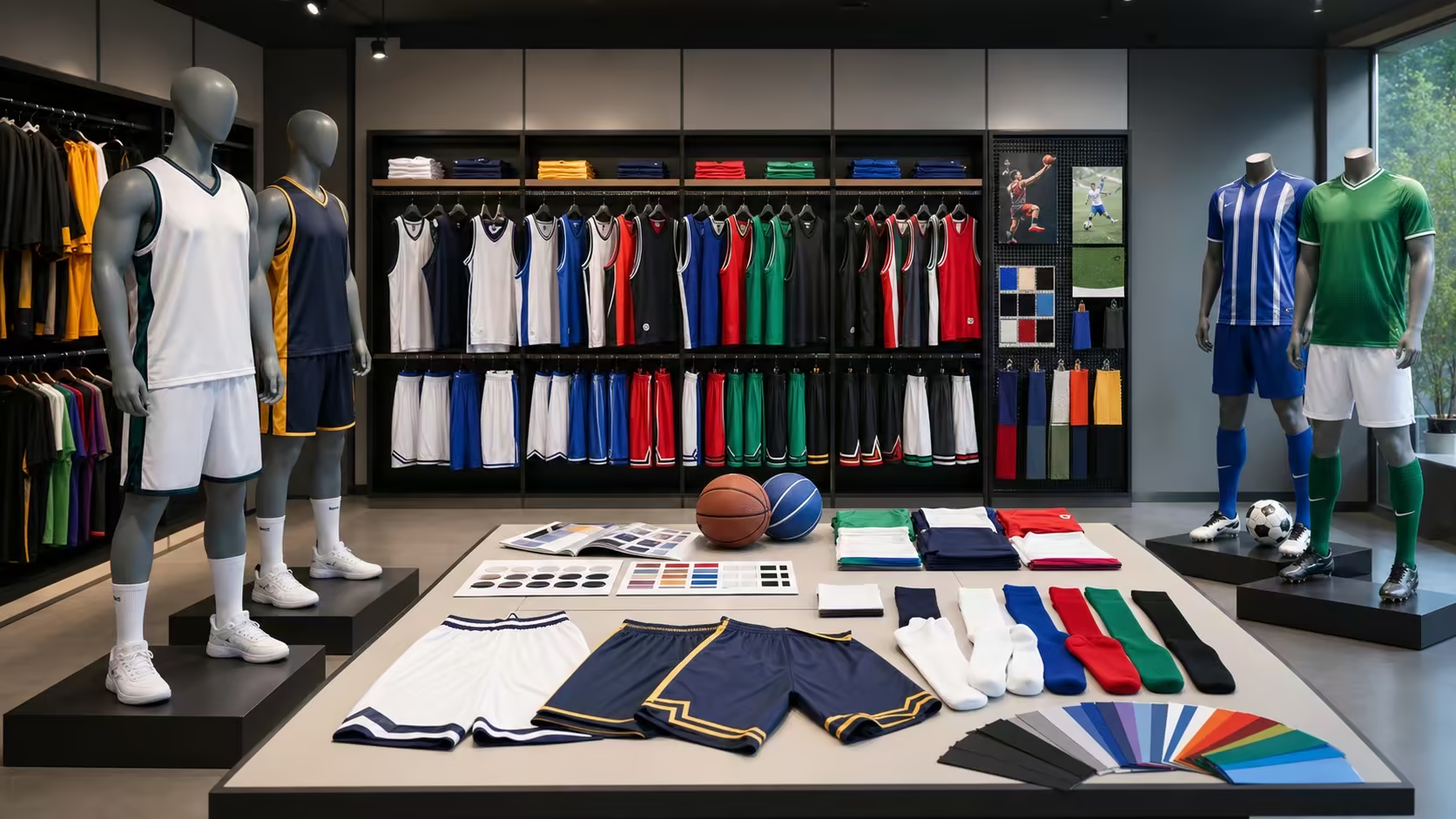
Free CSV for team uniform orders
Control names, numbers, sizes, garment combinations, artwork, individual packs, team sorting, approvals, and roster changes from one released data source.
Direct answer
Use one row per player or pack and assign a unique record ID. Include team, player display name, number, garment, size, colorway, quantity, artwork version, personalization status, packing group, and approval status. Lock the released version before production and issue later changes as traceable revisions instead of replacing data in messages.
Give every player pack, staff pack, retail unit, or replacement item a stable identifier that survives sorting and revisions.
Keep approved spelling, number, garment, size, colorway, artwork, and quantity in structured fields.
State whether goods are packed by player, team, size, SKU, match set, store, event, or shipment destination.
Record version, approval owner, release date, change cutoff, and the status of late additions or replacements.
CSV template
Download the CSV, delete the clearly marked illustrative row, then create one stable record for each player pack or garment line. Keep IDs as text so leading zeros in player numbers remain intact, and issue a new roster version instead of overwriting released data.
| Template fields | What to enter | Validation rule |
|---|---|---|
| record_id, player_id | Stable internal IDs for the produced line and intended recipient. | Required and unique; never recycle an ID for a replacement. |
| display_name, player_number, role | Approved visible name, number stored as text, and player, goalkeeper, libero, captain, staff, or other controlled role. | Check spelling, permitted characters, duplicate-number rules, leading zeros, and role-specific artwork. |
| style_code, garment, size, colorway, quantity | The exact product, fit or size, order colorway, and unit count for that record. | Use only released style codes, size values, colorways, and positive quantities. |
| artwork_version, proof_status | The active crest, sponsor, name and number file set plus its review status. | Hold production when the artwork version is missing or the proof is not approved. |
| pack_id, pack_group, carton_group, destination | How the unit joins a player pack, team group, carton, warehouse, club, event, or delivery point. | Reconcile every released unit to one defined packing and destination route. |
| roster_version, row_status, approval fields | Released file version, working/approved/held/replaced status, approver, decision date, replacement link, and change note. | Approved rows need an owner and date; replaced rows need the original record relationship. |
Spreadsheet setup
Roster structure
A visual team list is useful for discussion, but production needs structured fields that can be filtered, counted, checked, and tied to physical labels.
| Field group | Suggested fields | Control purpose |
|---|---|---|
| Record identity | Record ID, team or squad, player or recipient ID, role, and packing group. | Prevents two people with similar names or the same number from being merged. |
| Personalization | Display name, number, initials, captain mark, position, sponsor variant, and approved spelling. | Separates customer-facing text from internal names and identifies special artwork rules. |
| Product | Style code, garment, gender or fit block where used, size, colorway, quantity, and set relationship. | Lets the buyer total requirements by style, size, color, and component before release. |
| Artwork control | Artwork version, crest, sponsor set, name font, number font, print method, placement, and proof status. | Connects every personalized unit to an approved visual and production file. |
| Packing | Individual pack ID, included garments, accessories, label text, bag type, carton group, and destination. | Makes pack completeness and carton allocation checkable before shipment. |
| Approval | Roster version, row status, approved by, approval date, change note, and replacement link. | Shows which records can proceed and which remain held, superseded, or cancelled. |
Seven-step workflow
Freeze product and artwork rules first, then release personalization and packing data through a clear approval sequence.
List match, training, goalkeeper, libero, warm-up, travel, staff, fan, and accessory items, including which pieces form a set.
Confirm garment panels, colors, crest, sponsors, fonts, name and number positions, decoration methods, and special-role variants.
Provide controlled dropdown values or codes for garment, size, colorway, squad, artwork variant, and packing route where practical.
Check blank fields, duplicate numbers, repeated IDs, unsupported characters, invalid sizes, inconsistent style codes, and totals that do not match the order.
Review representative and exceptional name and number layouts, then define whether every player proof or a controlled rule set requires approval.
Lock the approved roster version and connect it to the purchase order, artwork package, size totals, packing specification, and change-control rule.
Check decorated garment identity, pack contents, labels, carton allocation, shortages, replacements, and final totals against the released records.
Artwork and identity
Personalization errors often begin when a roster value, visual proof, and production artwork use different identifiers or revisions.
| Decision | Approve explicitly | Common ambiguity |
|---|---|---|
| Player name | Displayed spelling, capitalization, punctuation, accents, permitted characters, font, width rule, and blank-name treatment. | Using an internal full name when the jersey needs a nickname, surname, or no name. |
| Player number | Digits, leading zero rule, front and back sizes, position, font, outline, color, and relationship to sponsor marks. | A spreadsheet converts a value or removes a zero while the visual proof still shows the old number. |
| Role variant | Captain, goalkeeper, libero, staff, coach, youth, or sponsor differences and the records to which they apply. | Applying the standard player artwork to a role with a different colorway or mark set. |
| Garment set | Which top, bottom, sock, layer, and accessory records belong to one person or retail bundle. | Assuming every garment in a set uses the same size or personalization. |
| Replacement | Original record, replacement reason, new item status, changed field, artwork revision, and pack destination. | Adding an unlinked duplicate row that is later counted as an extra unit. |
Packing models
The packing specification should describe how the buyer will receive, identify, count, and distribute the order, not only the type of polybag or carton.
Group the named garments and accessories for one recipient under a pack ID and visible pack label.
Sort by club, age group, class, division, match role, or destination when a coordinator distributes the order.
Pack by style, color, and size for wholesale inventory, retail allocation, or undecorated replacement stock.
Allocate by event, store, warehouse, country, delivery address, or release date when one order has multiple handoffs.
Change control
Late changes should identify the original record, changed field, requested date, approval owner, production status, cost or timing impact where applicable, and the new disposition. This protects both the buyer and supplier from acting on different versions.
Final reconciliation
Before shipment, reconcile the commercial order, released roster, decorated units, completed packs, carton allocation, and unresolved replacements.
Compare purchased quantities with roster totals by style, colorway, size, role, and personalization status.
Check each pack ID against its required garments, accessories, labels, inserts, and destination.
Connect pack or SKU counts to carton numbers, marks, packing lists, and destination allocation.
Record shortages, damaged units, rejected personalization, replacements, separate shipments, and ownership of the next action.
Continue planning
FAQ
Choose a model that can identify every produced unit and packing relationship. A player-pack row can work for fixed sets; separate garment rows are clearer when tops, bottoms, layers, and accessories use different sizes, quantities, or artwork.
Validate duplicates within the team, squad, and role rules agreed for the project. Where duplicates are intentional, use unique record IDs and packing labels so the physical items remain distinguishable.
A change may be possible, but it should be reviewed against the affected production stage. Issue a traceable revision or replacement record and confirm whether artwork, decorated garments, labels, packs, cost, or timing are affected.
The best route matches distribution. Use player packs for direct handout, squad packs for coordinator distribution, SKU packs for inventory, or destination packs for multi-location delivery, with visible identifiers and reconciled totals.