Product identity
Brand, season, style name, style code, category, wearer, size range, revision number, date, and owner.
Free 40-row CSV template and buyer guide
Download the blank CSV worksheet for Excel, Google Sheets, or Numbers, then turn design intent into measurable instructions for costing, sampling, approval, bulk production, inspection, and packing.
Direct answer
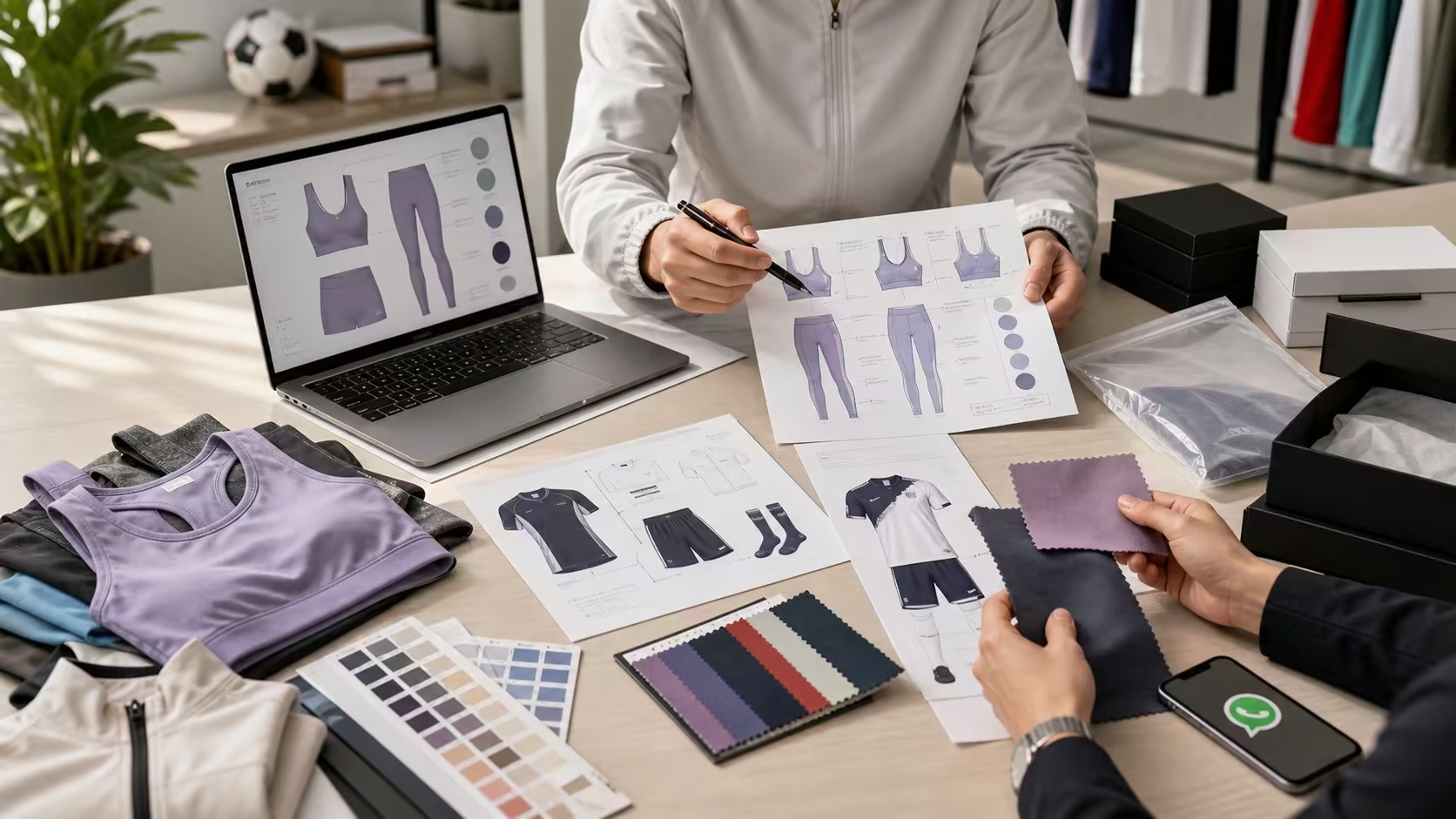
A production-ready sportswear tech pack should identify the style, show front and back views, define materials and trims, provide points of measurement, explain construction, place artwork, specify colors, cover labels and packaging, and record tolerances, sample comments, and approval status. Every instruction should be specific enough for a supplier to quote or ask a focused question.
Brand, season, style name, style code, category, wearer, size range, revision number, date, and owner.
Materials, trims, measurements, tolerances, construction, stitching, fit intent, and performance details.
Color references, artwork files, logo placement, labels, hangtags, barcodes, and packaging.
Sample stage, comments, old and new values, approved files, unresolved questions, and bulk sign-off.
Reusable worksheet
The blank CSV contains 40 checklist rows across product identity, technical views, bill of materials, measurements, construction, artwork, labels, packaging, performance requirements, sample approval, quality control, bulk release, and revision history. Open it in Excel, Google Sheets, Numbers, or another CSV-compatible tool.
What it is: a free intake register for collecting and controlling the decisions a garment-specific tech pack needs. What it is not: finished technical drawings, graded measurements, production artwork, or an approval for bulk production.
Template quick start
Complete the worksheet in the same order that a supplier must interpret the product, then link each controlled row to the actual drawing, measurement chart, artwork, swatch, or approval record.
Enter one stable style code, product name, intended use, size range, owner, active revision, and issue date.
Add one row per fabric, trim, artwork, packaging component, point of measurement, performance requirement, or inspection checkpoint.
Use the evidence or file column to identify the technical view, vector artwork, measurement diagram, material reference, test record, or approved sample.
Record the question, responsible owner, decision, revision, date, and status instead of leaving ambiguous blank cells.
Export a stable review copy and confirm that every linked file carries the same style code and current revision before quotation, sampling, or bulk release.
Core sections
The exact page count is not important. What matters is that the files agree with each other and that the latest approved version can be identified immediately.
| Section | Information to include | What it prevents |
|---|---|---|
| 1. Style overview | Style code, description, technical front and back views, detail callouts, wearer, activity, fit target, and size range. | Different teams working from different reference products or unclear design intent. |
| 2. Bill of materials | Main fabric, lining, mesh, elastic, pads, zippers, drawcords, thread, labels, and each supplier or quality reference where known. | Costing one material while sampling or producing another. |
| 3. Measurements | Point-of-measure diagram, base-size values, grade rules or all-size chart, measurement method, tolerance, and fit reference. | Disputes caused by measuring the same garment from different points or under different conditions. |
| 4. Construction | Seam type, stitch type, seam allowance, hems, reinforcement, lining, pocket build, panel joins, edge finish, and special machinery. | Visually similar samples that perform or fit differently because hidden construction was assumed. |
| 5. Color and artwork | Color standard, print repeat, vector artwork, placement coordinates, finished dimensions, application method, and approved visual. | Logos or prints being scaled, recolored, mirrored, or placed from an informal screenshot. |
| 6. Labels and packing | Main label, size and care label, legal text, country requirements, hangtag, barcode, polybag, folding, SKU sticker, carton marks, and assortment rules. | Retail and shipment requirements being discovered after garments are finished. |
| 7. QC and revision | Critical checkpoints, test or inspection requirements, sample comments, revision history, approval status, approved sample reference, and bulk tolerance. | Old comments reappearing in later samples or unapproved changes entering production. |
Build order
Use a stable style code and keep the same naming system across the tech pack, artwork, sample label, purchase order, inspection report, and packing list.
Assign one style code, product name, season, owner, revision, and date before attaching images or measurements.
Show front, back, internal, and enlarged detail views. Point each note to one exact panel, seam, trim, or placement.
Give each fabric and trim a code, description, color, placement, and approved source or reference where available.
Pair every point of measurement with a diagram and method. State whether the garment is relaxed, stretched, zipped, or laid flat.
Provide vector files separately and repeat the filename, finished dimensions, method, color, and placement in the tech pack.
Include planned quantity, style-color-size ratio, target market, labels, packaging, barcode logic, and delivery destination.
Consolidate sample comments, remove superseded files, record open issues, and issue one dated version for bulk approval.
No complete tech pack yet?
A buyer can begin an ODM discussion without pretending the product is fully specified. Label the open decisions clearly and provide enough commercial context for the supplier to propose options.
Version control
Comments such as "make it tighter" or "move the logo up" are difficult to audit. Record the location, current value, requested value, evidence, owner, and approval result.
| Field | Weak comment | Production-ready record |
|---|---|---|
| Measurement | Waist is too loose. | Base-size relaxed waistband at POM W01: sample measured [value]; revise approved specification to [value] with stated tolerance. |
| Artwork | Logo should be higher. | Move artwork A02 to the stated distance from the approved seam reference; keep finished width and color unchanged. |
| Material | Use a softer fabric. | Replace material code F01 with the approved swatch reference and record composition, weight, stretch direction, color, and performance notes. |
| Status | Looks good. | Approved for the named sample stage, subject to listed open items; approver, date, revision, and reference sample recorded. |
Preflight
A short preflight catches conflicts that otherwise turn into supplier assumptions.
The tech pack, artwork, measurement chart, and packaging files should show the same style code and active revision.
State millimeters, centimeters, or inches consistently and verify that artwork dimensions refer to finished output.
Confirm that sketches, material tables, artwork files, labels, and packaging use the same color references.
Use an open-issues list instead of leaving blank cells that could be interpreted as supplier choice.
Label inspiration images clearly and state which visible details are not part of the requested product.
Keep editable source files, but send a stable PDF review version so page layout and annotations do not shift.
Continue planning
FAQ
No. It is a blank intake register and completeness checklist. A production-ready tech pack still needs garment-specific technical drawings, measurements and tolerances, materials, construction details, production artwork, labels, packaging, and controlled approvals.
Yes, but identify it as a development brief. Send product references, target customer, quantity plan, market, fabric direction, logo files, size range, packaging needs, delivery country, and a list of details the supplier should propose.
Vector files such as AI, EPS, SVG, or suitable production PDFs are preferred because they can be scaled accurately for transfers, embroidery, labels, print layouts, and packaging. Keep a visual preview alongside the source file.
Yes. Folding, polybags, labels, barcodes, SKU stickers, inserts, boxes, carton assortment, and shipping marks affect costing, preparation, inspection, and order handoff.
Yes. Sampling is used to test and refine the specification. Every approved change should update the relevant table, drawing, measurement, artwork, and revision record before bulk production.
Ready to turn the worksheet into a supplier brief? Send the style code, drawings or references, BOM or material choices, measurement chart, artwork, quantity and SKU plan, packaging, and destination. If details are still open, mark them as supplier questions rather than guessed approvals.